
A manager account gives one login and a centralized dashboard to run and monitor multiple Amazon Ads advertiser accounts. It consolidates metrics, billing visibility, and user permissions in a single place, which makes it best suited to agencies and teams juggling more than one client’s advertising.
TL;DR:
- A manager account consolidates access, billing, and metrics for multiple Amazon Ads advertiser accounts, making management easier for agencies with several clients.
- Setting up involves linking existing accounts and inviting team members with role-specific access, with common issues including email mismatches and ownership conflicts.
- Hierarchies can include nested manager accounts, with roles designated according to team needs, and permissions should be reviewed quarterly to prevent stale access.
- API integration requires separate authorization, and programmatic management of linked accounts offers enhanced automation but must be configured independently from console permissions.
- Using a manager account effectively improves visibility, but for actionable insights, tools like Selloop analyze cross-account data and suggest prioritized, data-justified actions.
Table of Contents
- What a manager account actually does for your team
- How to create, link, and manage advertiser accounts
- Manager account hierarchy and who should have access to what
- API and integration considerations for manager accounts
- Running a manager account like an agency, not a hobbyist
- How Selloop validates changes across linked accounts
- When a manager account is the right call, and when it isn’t
- Selloop: a faster way to act on what your manager account shows you
- FAQ
- Sources
- Authoritative links and resources
What a manager account actually does for your team
A manager account exists to remove the friction of logging in and out of separate advertiser accounts. Once set up, it gives you a single sign-in that spans Sponsored Ads and Amazon DSP, so you can move between client accounts without switching credentials, according to the Amazon Ads Support Center.
The practical benefits show up fast once you’re managing more than one client:
- One login replaces a list of separate usernames and passwords for each advertiser account.
- Billing access becomes centralized, so you see charges across accounts instead of checking each one separately.
- You can group advertisers and give individual team members access to only the subset of accounts they work on.
Picture an agency running three client accounts: a beauty brand, a supplement company, and a kitchenware seller. Instead of three separate logins, one account manager opens the manager dashboard, checks spend across all three, and routes a billing question without touching campaign settings in any of them.
How to create, link, and manage advertiser accounts
Setting one up takes a few minutes in the console, but a couple of steps trip people up often enough to call out.
- Open the account dropdown in Amazon Ads and select “Manage your accounts.”
- Click the “Manager Accounts” tab and choose “Create a manager account.”
- Name the manager account, then link existing advertiser accounts or request access to accounts you don’t yet manage.
- Invite team members by email and assign each one to a specific subset of linked accounts rather than the whole portfolio.
- Switch between accounts from the same dropdown; cross-account metrics and billing summaries appear on the manager account’s main dashboard.
Pro Tip: Send invitations from a work email that matches your team’s existing Amazon Ads login to avoid the duplicate-account conflicts that stall approvals for days.
The most common setup problems are predictable. Invitation delays usually trace back to a mismatched email domain or a pending approval sitting in the advertiser’s own console. Duplicate email issues happen when someone already has a personal Amazon Ads login tied to the same address they’re invited with. Ownership conflicts arise when two people both claim admin rights over the same advertiser account, which Amazon resolves by requiring the original account owner to confirm the transfer.
Manager account hierarchy and who should have access to what
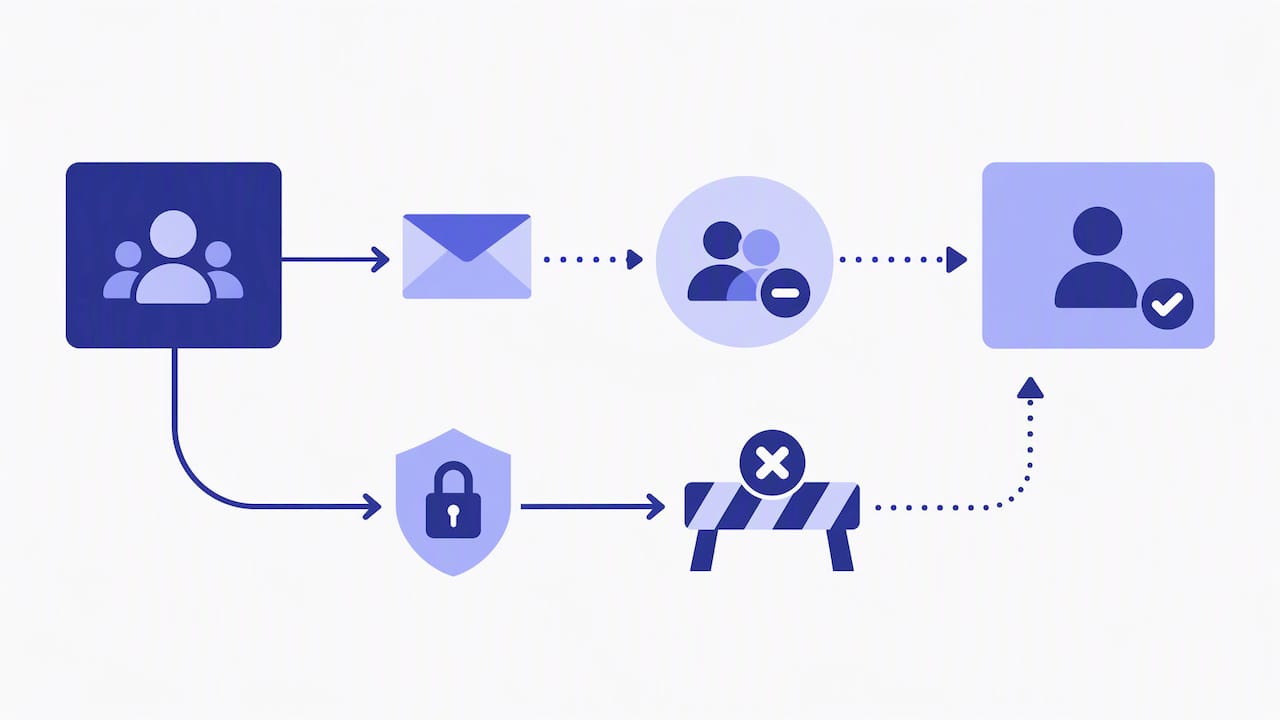
A manager account sits above the advertiser accounts it links, and it can contain nested manager accounts for larger agencies managing sub-teams. Each linked advertiser account keeps its own data and billing, but the manager account layer controls who can see or touch it.
Instead of giving every team member full access, map roles to what they actually need:
- View-only access for analysts who build reports but don’t touch campaigns.
- Campaign-editor access for the people running day-to-day bid and keyword changes.
- Billing-admin access restricted to the one or two people who reconcile invoices.
Group users by client or by internal team, whichever matches how your agency actually assigns work. Review access quarterly at minimum, since departing staff and shifting client assignments are the most common source of stale permissions.
API and integration considerations for manager accounts
Console setup and API access are separate systems, and treating them as the same thing is a common integration mistake. The Amazon Ads API exposes manager-account operations directly, but it requires its own authorization grants and profiles.
- The API supports creating a manager account, listing manager accounts, and associating or disassociating linked accounts programmatically.
- Authorization grants and profiles must be configured separately from console permissions; a user with console access doesn’t automatically get API access.
- Cross-program exports map to standard CSV fields including spend, sales, orders, clicks, impressions, and ROAS, pulled from both Sponsored Ads and DSP.
- Before going live, verify that every profile scope matches the advertiser accounts you intend to pull data from, since a missing scope fails silently in some integrations rather than throwing a clear error.
Running a manager account like an agency, not a hobbyist
The accounts that run smoothly share a few habits, and most of them come down to discipline rather than tooling.
- Design account groups around client boundaries first, then around internal team structure, since reporting almost always needs to roll up by client.
- Keep billing-admin and campaign-editor roles separate so no single person can both change spend and approve the invoice for it.
- Schedule a recurring access review, monthly for larger agencies, quarterly for smaller ones, to catch permissions that should have been revoked.
- Export cross-program metrics on a fixed cadence and reconcile them against client invoices rather than waiting for a billing dispute to force the check.
Pro Tip: Build your client reporting template once around the manager account’s exportable fields, rather than reformatting a new spreadsheet for every account you onboard.
A workflow built this way scales past the third or fourth client without adding proportional admin overhead. Our guide to managing multiple Amazon ad campaigns walks through the account-grouping side of this in more detail.
How Selloop validates changes across linked accounts
Manager accounts solve visibility. They don’t tell you whether a bid change actually worked, which is a separate problem agencies run into once they’re managing exports across five or ten accounts instead of one.
A few habits help here:
- Use campaign health scoring to flag which accounts need attention first instead of reviewing every account with equal depth each week.
Our notes on ad tracking workflows cover how to structure that measurement in practice, and our piece on ACoS versus ROAS is worth reading before you decide which metric drives your health scores.
When a manager account is the right call, and when it isn’t
Manager accounts are the right tool when your team needs centralized oversight across several advertiser accounts you fully control. They’re the wrong tool when a client insists on retaining independent, unshared access, since a manager account centralizes control rather than preserving account-level autonomy.
If you’re building a reporting tool or syncing data into another platform, build against the API directly rather than relying on console exports alone. Ask yourself one question before choosing: does this client need me to see everything, or just to report on it?
— Selloop
Selloop: a faster way to act on what your manager account shows you
A manager account tells you what’s happening across your accounts. Selloop tells you what to do about it, with a specific dollar impact attached to each recommendation instead of a dashboard full of numbers to interpret yourself.
Our platform analyzes cross-account data and turns it into prioritized, data-justified actions:
- AI-driven recommendations ranked by expected impact on wasted spend.
- Campaign health scoring that flags which accounts need attention first.
Plans run from STARTER at a low monthly rate to PRO at a higher monthly rate. There is a tier built for agencies managing several client accounts. Start a trial and point it at your highest-spend account first.
FAQ
What do account managers do at Amazon?
At Amazon, “account manager” covers several distinct internal job families, including sales-focused roles like Sales Account Manager within Large Customer Sales, and operational roles like Area Manager, according to Amazon’s own job postings. These are corporate employee roles and are unrelated to the “manager account” feature inside Amazon Ads, which is a tool for managing advertiser accounts rather than a job title.
How much does an Amazon account manager make?
Amazon’s publicly listed job postings for roles like Sales Account Manager don’t disclose a fixed salary figure in the posting itself, and pay varies by role, level, and location. For current, role-specific compensation details, the listing itself is the most reliable source rather than third-party aggregator estimates.
What are the different types of managers at Amazon?
Amazon uses “manager” broadly across both corporate roles, such as Area Manager and Sales Account Manager, and product features, such as the manager account tool inside Amazon Ads. The manager account feature discussed in this guide is the latter: a login structure for centralizing control over multiple advertiser accounts, not a job classification.
Where is Manage Accounts and devices on Amazon?
On the Amazon Ads side, manager accounts are accessed through the account dropdown, under “Manage your accounts,” then the “Manager Accounts” tab, as described in the Amazon Ads Support Center. On the shopping side, managing multiple Amazon accounts and devices is handled separately through account settings on mobile, per Amazon’s customer service guidance, and the two systems are not connected.
What’s the difference between a manager account and API access?
A manager account is a console-level tool for centralizing login, billing, and user permissions across advertiser accounts. API access is a separate system that requires its own authorization grants and profiles, documented in the Amazon Ads API reference, and console permissions don’t automatically carry over to it.
Authoritative links and resources
For setup and permissions, start with the Amazon Ads Support Center and the unified manager-account announcement. Developers integrating programmatically should reference the managerAccount API endpoints. For operational workflows and account-grouping practices, see our guide on managing multiple Amazon ad campaigns and our ad spend reconciliation guide. For cross-channel monitoring habits worth borrowing, see Gleanit’s monitoring checklist, and for local seller-account setup, see Ask Auggie’s guide.