Run two campaign tracks at once when you launch: a discovery track on automatic targeting and a controlled track on manual exact match, and fund both from your unit economics rather than a guess. Expect temporary above-break-even ACoS in week one, treated as a deliberate investment with a review date, not a mistake to panic over. By the end of week 4, you should have a working list of converting search terms and enough order history to start scaling with confidence.
TL;DR:
- Launch two campaign tracks simultaneously, focusing on automatic targeting for discovery and manual exact match for proven keywords, funded from your unit economics.
- Spend most of your launch budget on Sponsored Products, which quickly generate impressions and sales data without upfront fees, while delaying Sponsored Brands and Display until after initial proof of conversion.
- Review search term reports weekly to identify converting queries, then move them into manual campaigns and add negatives to avoid overlap and optimize your budget.
- Measure success over a 21-day window, focusing on incremental sales rather than early ACoS figures, and increase ad spend gradually for well-converting search terms.
- Use automation tools to monitor campaign health, recommend bid adjustments, and track data over time, avoiding reactive changes and ensuring accurate analysis during launch.
Table of Contents
- Which Amazon ad types and targeting options to use at launch
- Why PPC matters for a product launch and realistic objectives
- Step-by-step launch workflow and week-by-week cadence
- Campaign structure and targeting tactics that keep signal clean
- Budgeting, bids, and which metrics to watch during launch
- Search-term harvesting, negatives, and workflow to move winners into manual campaigns
- Measuring impact and scaling: interpreting launch signals and next steps after month 1
- Selloop evidence: how 21-day AI tracking and data-justified recommendations improve launch decisions
- A seller-first perspective on launch trade-offs
- How Selloop helps you manage a launch without the spreadsheet work
- Primary Amazon Ads documentation and partner resources to consult
- Sources
- FAQ
Which Amazon ad types and targeting options to use at launch
Sponsored Products should carry almost all of your launch budget. These are cost-per-click ads tied to a single product listing, they show up in search results and on competing product pages, and Amazon charges no monthly or upfront fee, only the cost per click you agree to pay. For a new ASIN with no reviews and no sales history, Sponsored Products is the fastest way to get in front of shoppers who are already searching.
Sponsored Brands and Sponsored Display have a role, but not on day one. They work better once you have proof that the listing converts, since both formats tend to reward existing demand rather than create it from nothing.
Automatic and manual targeting do different jobs during launch:
- Automatic targeting lets Amazon match your product to relevant search terms and ASINs, which is how you discover keywords you would not have guessed.
- Manual targeting, using broad, phrase, and exact match, gives you control once you know which terms convert.
- Broad and phrase catch variations and related searches; exact match locks in the proven winners.
Add Sponsored Brands or Sponsored Display only after you see repeatable conversions on specific search terms. Before that point, extra formats mostly just spread your budget thinner and make it harder to read what is actually working.
Why PPC matters for a product launch and realistic objectives
A new listing’s first job is not profit. It is discovery, data, and sales history. Every click and order in the first few weeks feeds Amazon’s own signals about relevance and buyer intent, and every converting search term becomes a candidate for a controlled campaign later.
ACoS looks alarming early on because it is measuring a listing with zero track record against full price. Treat it as a short-term input, not a verdict. The more useful question is whether the spend is incremental, meaning it is generating orders you would not get organically yet, because a listing with no history has effectively no organic reach.
When a listing converts well, early PPC exposure can help organic rank move faster, since Amazon’s ranking signals respond to purchase and click behavior. Use a simple decision checklist:
- Keep spending if converting search terms are showing up and clicks are turning into orders at a reasonable rate.
- Pause or restructure if a campaign is burning budget with clicks but no conversions after a meaningful sample.
- Reassess the listing itself, not just the campaign, if conversion rate stays flat despite decent traffic.
Step-by-step launch workflow and week-by-week cadence
Amazon’s own new-ASIN playbook lays out a discovery-then-control workflow, and it maps cleanly onto a four-week cadence.
Pre-launch
- Confirm your product detail page has clear images, complete bullet points, and accurate backend search terms.
- Check inventory levels can support the ad spend you are planning without stocking out mid-launch.
- Verify conversion tracking and campaign naming conventions are set before the first click, not after.
- Line up any launch promotions or coupons you plan to run alongside ads.
Weeks 1 and 2 5. Launch an automatic campaign and a broad or phrase discovery campaign together. 6. Let both run without changing bids or budgets daily. Early data is noisy, and a single unusual day is not a trend. 7. Watch budget pacing closely. Amazon’s documentation notes that a daily budget can be spent quickly during high-demand periods, so exhaustion matters more than an even daily curve.
Weeks 3 and 4 8. Pull the Search Term Report and identify queries that are converting at an acceptable rate. 9. Move those queries into a manual exact-match campaign where you control bids directly. 10. Add negative exact matches for those same queries inside the discovery campaigns so the two tracks stop competing for the same click.
After month 1 11. Increase budget on exact-match terms with proven conversion, and keep discovery campaigns running to keep feeding new candidates. 12. Consider Sponsored Brands or Display once conversion signal is consistent, and measure the blended effect rather than judging each format alone.
Pro Tip: Build your campaign timeline before launch day, not during it. A written week-by-week checklist keeps you from making reactive bid changes on day two.
Campaign structure and targeting tactics that keep signal clean
The two-track structure only works if it is built so each track’s data stays readable. Amazon’s targeting guide recommends organizing campaigns so budget control is clear, and for a launch that usually means one ASIN per campaign rather than bundling several products together.
Name campaigns so you can tell discovery from control at a glance, something like “Launch, Discovery, Auto” and “Launch, Exact, Control” rather than generic labels you will forget the logic behind in three weeks.
- Keep discovery campaigns (automatic, broad, phrase) separate from the manual exact campaign that holds your proven terms.
- Once a query is promoted to the exact campaign, add it as a negative exact in the discovery campaigns so spend does not fragment across both.
- Use negative phrase sparingly in discovery, since it blocks more variations than negative exact and can cut off traffic you have not tested yet.
- Add product targeting or category targets once you understand which competing ASINs or categories are actually adjacent to your buyer’s search behavior, usually after the first few weeks of data.
This structure means every dollar in the control campaign is there because a specific query already proved itself, while the discovery campaigns keep doing the job of finding the next candidate.
Budgeting, bids, and which metrics to watch during launch
Set your launch budget from unit economics, not a percentage pulled from a blog post. A simple break-even ACoS formula is: (price minus landed cost minus fees) divided by price. Spending above that number for a few weeks is a choice, as long as you set a cash limit and a review date rather than letting it run indefinitely.
Changes to campaigns should be tracked over a fixed 21-day window to separate a real trend from normal week-to-week noise, since a single day of unusual clicks or orders can otherwise trigger a change that was never needed.

For bids, start with Amazon’s suggested bid range, then adjust based on actual bidding strategy performance rather than intuition. Watch your budget pacing daily during the first two weeks, since Amazon’s guidance warns that a daily budget can be exhausted quickly during high-traffic periods.
Track these signals weekly: impressions, clicks, cost per click, click-through rate, conversion rate, ACoS, and new-to-brand orders. A campaign with high impressions but low clicks usually has a relevance or creative problem, while high clicks with low conversion usually points back to the listing itself.
Search-term harvesting, negatives, and workflow to move winners into manual campaigns
Wait for stable signal before acting on the Search Term Report. Amazon’s best practices guidance notes that thresholds for action depend on your price point, conversion rate, and margin, so a single conversion on a $10 item means something different than one on a $150 item.
- Pull the Search Term Report weekly and flag queries with more than one conversion or a conversion rate that beats your listing average.
- Create or update a manual exact-match campaign for each flagged query, setting the bid based on what it would take to hit your break-even ACoS.
- Add the same query as a negative exact (or negative phrase, if you want to block close variants too) inside the discovery campaigns so it stops competing with itself.
Negative exact blocks only that specific search term, while negative phrase blocks that term and anything containing it, so use phrase carefully. Over-blocking with negative phrase can cut off valuable traffic you have not actually tested yet.
Pro Tip: Keep a running spreadsheet or use a keyword harvesting routine so you are not rebuilding your process from memory every week.
Measuring impact and scaling: interpreting launch signals and next steps after month 1
Judging incrementality means asking whether an ad-driven sale would have happened anyway through organic traffic. A new listing with no history has little organic reach, so early PPC sales are almost always incremental. Once your organic rank climbs, that changes, and a shrinking new-to-brand percentage alongside rising ACoS can signal cannibalization worth investigating.
- Add Sponsored Brands or Display only once conversion signal is consistent across several weeks, not a single good day.
- Scale budget on exact-match keywords with proven conversion rather than raising discovery budgets, which mostly just widens the net.
- Keep discovery campaigns running even as you scale, since they are what keeps feeding new keyword candidates into the manual track.
- Use a defined measurement window, such as 21 days, before judging whether a bid or budget change actually worked, since a shorter window mixes signal with noise.
A full launch cadence guide can help if you want the entire setup-to-scale sequence mapped out in one place.
Selloop evidence: how 21-day AI tracking and data-justified recommendations improve launch decisions
Advanced campaign management software can analyze live campaign data and flag high-spend, low-return campaigns with a clear data justification behind each recommendation, whether that is a bid adjustment, a negative keyword suggestion, or a keyword to harvest into a manual campaign. Every change is tracked against a fixed 21-day window, which maps directly onto the weeks-3-and-4 harvesting stage of a launch, so sellers can see whether a promoted keyword or bid change actually moved results before making the next decision.
A seller-first perspective on launch trade-offs
Every launch dollar spent on discovery is a dollar you cannot use elsewhere, so the real trade-off is discovery spend against your own cash runway, not against some abstract ACoS target. A solo seller should budget less time and less cash than an agency managing several launches at once. Set a defined budget and a review date before you start, and let the data decide what happens next.
— Selloop
How Selloop helps you manage a launch without the spreadsheet work
Running two campaign tracks by hand, checking the Search Term Report weekly, and remembering which queries you already promoted takes real time, time a new seller often does not have. Certain automation tools handle that analysis continuously: delivering recommendations for bids and negatives, using a fixed 21-day tracking window on every change, and providing a campaign health score that indicates where a launch may be losing money before it becomes obvious.
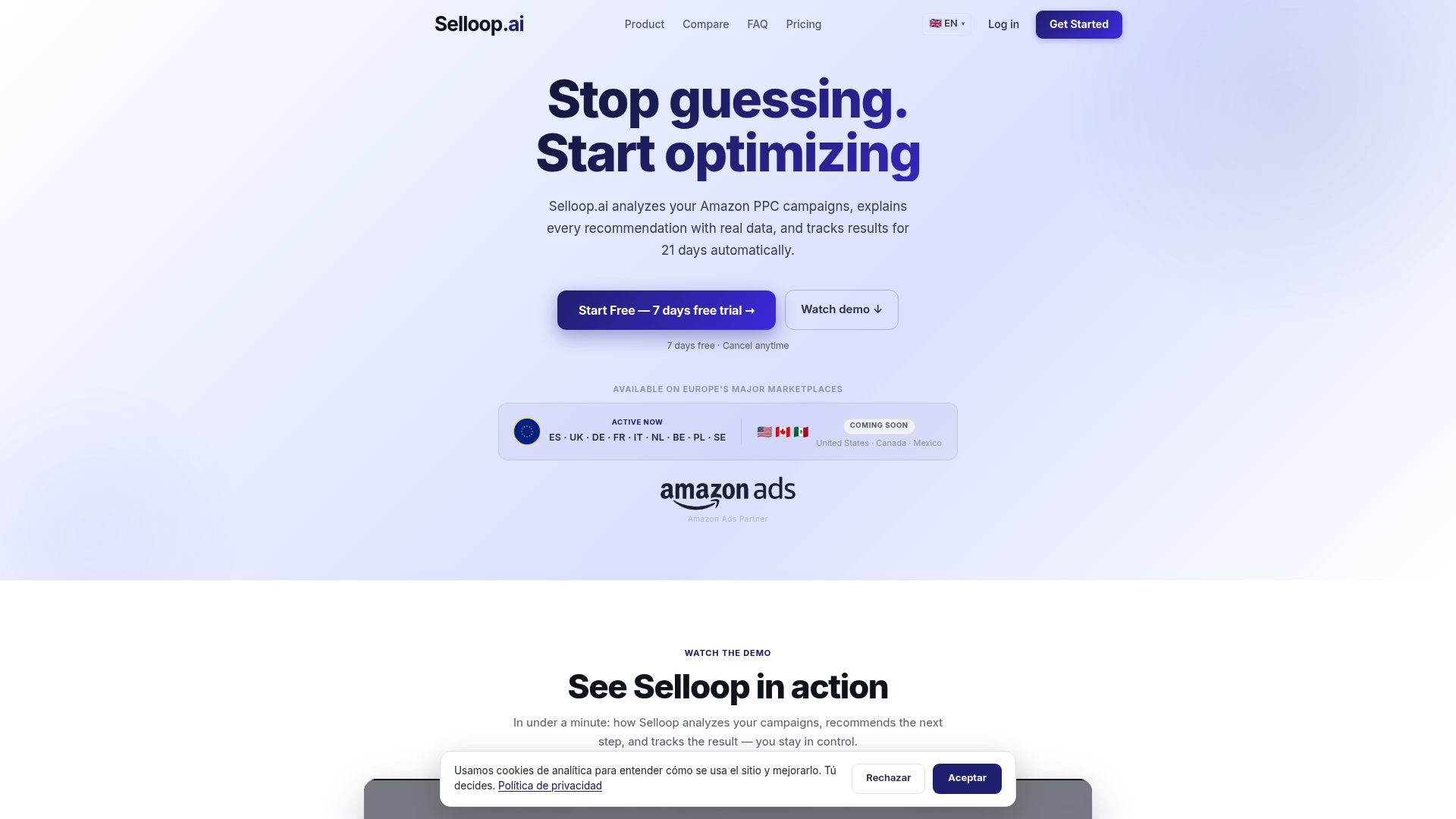
- Recommendations for bid changes, negative keywords, and harvesting, each supported by data.
- 21-day tracking on every change so you know whether it worked before you touch it again.
- Campaign health scoring designed for sellers running launches and agencies managing multiple campaigns.
New launches, busy sellers, and agencies managing multiple accounts tend to get the most value out of automating this routine. Check the Selloop pricing page to see the Starter, Growth, and Pro plans and find the one that matches your ad spend.
Primary Amazon Ads documentation and partner resources to consult
- Sponsored Products overview: how the ad format works, bidding, and budgets.
- New-ASIN playbook: Amazon’s own discovery-to-control launch framework.
- Targeting guide: match types and campaign organization.
- Sponsored Products best practices: Search Term Report and negative keyword guidance.
- Building a campaign production timeline: a useful framework for keeping your own launch checklist on schedule.
Sources
- Sponsored Products - Help increase product sales | Amazon Ads
- Launching new products and ASINs with Amazon Ads | Amazon Ads
- A guide to targeting with Sponsored Products | Amazon Ads
- Best practices for your Sponsored Products ads | Amazon Ads
FAQ
How much does Amazon PPC cost?
Amazon Sponsored Products charges no monthly or upfront fee. You pay only the cost per click you bid, so your total cost depends entirely on the budget and bids you set.
Is PPC better than SEO?
They serve different jobs rather than competing directly. PPC gets a new listing in front of shoppers immediately while it has no organic history, and the sales and click data it generates can help organic rank improve once the listing proves it converts.
How does Amazon PPC work?
Sellers set a maximum bid and a daily budget, and Amazon runs an auction each time a shopper’s search or browsing behavior matches the targeting. Winning ads show in search results or on product pages, and the advertiser pays only when a shopper clicks, per Amazon’s own description of the format.
How do I launch a product on Amazon?
A launch combines a complete, conversion-ready product page with a two-track PPC setup: automatic and discovery campaigns to find converting search terms, then manual exact campaigns to control spend once those terms are proven. Amazon’s new-ASIN guidance frames this as an ongoing four-week cadence rather than a one-time setup.
When should I add negative keywords during a launch?
Add negatives only after a query has been promoted into a manual exact campaign, so the discovery campaign stops competing for the same click. Negative exact blocks just that term, while negative phrase blocks broader variations and carries more risk of cutting off traffic you have not tested yet.