Use broad match to discover new customer language with a low bid and a capped budget. Use phrase match once you know the core intent but not every modifier. Move anything that converts to exact match, and keep bids highest on exact, lower on phrase, lowest on broad. Give any migration roughly 21 days before you call it a win.
TL;DR:
- Broad match should be used for initial discovery with low bids and capped budgets, allowing Amazon to surface new search terms over about 21 days.
- Phrase match tightens control, making it suitable once core intent is known, but it still allows for additional words before or after the keyword.
- Moving high-performing search terms to exact match helps optimize spend and improve conversion rates, especially after accumulating 15 to 20 clicks.
- Running separate campaigns for auto, broad, phrase, and exact match types with distinct bids prevents self-competition and enhances impression allocation.
- Regular weekly review of search term reports and waiting at least 21 days before assessing changes ensures reliable data to refine match types and bids.
Table of Contents
- Broad vs Phrase Match: What Each One Actually Does
- Four Questions That Tell You Which Match Type To Use
- Setting Up Campaigns And Bids That Protect Discovery
- Turning Search Term Reports Into A Weekly Routine
- How Long To Wait Before Judging A Match Type Change
- What We’ve Learned Running Broad And Phrase At Scale
- Let Selloop Handle The Harvesting And The Waiting
- Where To Go For The Official Rules
- Sources
Broad vs Phrase Match: What Each One Actually Does
Broad match casts the widest net Amazon offers. Your ad can show for search terms that include your keyword in any order, plus synonyms, plurals, and loosely related terms your shopper never typed but Amazon’s algorithm thinks are close enough. Phrase match tightens that up: the search term has to contain your exact keyword phrase in the specified order, though shoppers can still add words before or after it, according to Amazon Ads’ own match type guidance.
Say your keyword is “stainless steel water bottle.” Under broad match, you might get hits for “insulated metal flask,” “water bottles stainless,” or even “steel travel mug,” a variation with no obvious keyword overlap. Under phrase match, “stainless steel water bottle for gym” would match, but “steel water bottle stainless” would not, since the word order breaks.
The practical trade offs come down to three things:
- Reach: Broad wins by a wide margin; phrase trades volume for control.
- Relevance: Phrase match delivers a tighter, more predictable set of search terms.
- CPC behavior: Broad tends to pull in cheaper, noisier clicks; phrase clicks usually cost more but convert more consistently.
One wrinkle worth flagging: Amazon’s matching logic for both types has shifted over time, adding more semantic and modifier based matching than sellers might expect from older documentation, per industry analysis of Amazon’s match type behavior. That’s exactly why ongoing testing matters more than memorizing a static rulebook.
Four Questions That Tell You Which Match Type To Use
Every keyword decision comes down to what you already know and what you’re still trying to learn. Run through these four questions in order, and the answer usually falls out on its own.
- Do you have a real conversion signal yet? If a search term has racked up 15 to 20 clicks, or you’re seeing conversions repeat across several clicks, that’s your cue to move it to exact. Practitioners treat this click threshold as the point where noise turns into signal, based on practical Amazon PPC scaling guidance.
- Do you know the core intent but not the exact wording customers use? That’s a phrase match situation. You’ve validated that “water bottle stainless steel” converts, but you don’t yet know every variation shoppers type around it.
- Is this a brand-new ASIN, or are you unsure what language your buyers actually use? Start broad, but keep the bid low and the daily budget capped. This is discovery, not performance, and it should be funded like it.
- Is the keyword branded or defensive? Stick to exact or phrase here. Broad match on your own brand name (or a competitor’s) tends to invite irrelevant traffic and wastes spend you don’t need to risk.
Pro Tip: Don’t treat this as a one-time decision per keyword. A term can graduate from broad to phrase to exact over its lifetime as your data matures, and it can also get demoted back to phrase if performance slips.
Setting Up Campaigns And Bids That Protect Discovery
A structure with blurred roles is the fastest way to burn budget without learning anything. A cleaner setup splits your Sponsored Products campaigns into four distinct jobs:
- Auto discovery: Small budget, lets Amazon’s own targeting engine surface search terms you haven’t thought of.
- Broad discovery (manual): Slightly larger budget, low bids, focused on turning up synonyms and adjacent phrasing.
- Phrase core: Mid-sized budget and bid, reserved for keywords where you know the intent but are still refining reach.
- Exact performance: Your largest bid tier, funded by whatever the data proves converts.
Amazon’s own guidance on Sponsored Products targeting recommends testing all three match types with different bids: highest on exact, lower on phrase, lowest on broad. That’s not just a suggestion for compliance. Bid separation is the signal Amazon’s system uses to allocate impressions efficiently across your campaigns. Flatten your bids across match types and you remove the very signal the platform relies on to know which placements deserve priority.
Whether you use dynamic bidding (up and down) or manual fixed bids depends on how much oversight you want day to day. Dynamic bids can chase conversions more aggressively in discovery campaigns, but they also drift upward fast if you’re not watching them. Manual bids give you more predictable spend, which matters more in your exact performance campaign than anywhere else. Our guide to Amazon PPC bidding strategy walks through specific bid ratios if you want a starting framework rather than building one from scratch.
The step sellers skip most often: once a term graduates to exact, add it as a negative exact back in your discovery and phrase campaigns. Skip that step and you’re bidding against yourself for the same shopper.
Turning Search Term Reports Into A Weekly Routine
Harvesting only works if it’s a habit, not a quarterly cleanup project. Here’s the routine worth running every week:
- Pull the search term report from your auto, broad, and phrase campaigns.
- Flag any term hitting your conversion threshold (15 to 20 clicks, or repeat conversions).
- Add the winning term to your exact performance campaign at a competitive bid.
- Immediately add that same term as a negative exact in the campaigns it graduated from.
- Prune terms that have burned through 20+ clicks with zero conversions; add those as negatives too, regardless of match type.
Automatic campaigns are particularly good at surfacing candidates you’d never have typed yourself, since Amazon’s keyword targeting documentation explicitly frames auto targeting as a discovery input meant to feed your manual campaigns, not run forever on its own.
Pro Tip: Set a weekly calendar reminder for this. Search term reports go stale fast, and the longer a converting term sits un-promoted in a broad campaign, the more budget you’re leaving on a lower-bid tier.
For a deeper breakdown of the cadence, our Amazon keyword harvesting routine covers the exact reporting cuts worth checking each week.
How Long To Wait Before Judging A Match Type Change
One to two weeks gives you a directional read, enough to spot obvious problems, but not enough to trust the ACoS number you’re staring at. Twenty-one days is the window that tends to produce a measurable, defensible read on revenue and ACoS impact, since Amazon’s own recommendation is to test for at least one to two weeks before pausing anything, and most sellers need the fuller window to smooth out weekly noise.
Metrics worth watching, in order of trust:
- Conversions and conversion rate: the most direct read on relevance.
- ACoS and ROAS: the profitability check once volume is stable.
- TACoS: your best gauge of whether ad spend is actually growing the business or just shuffling sales you’d have gotten organically.
Document every change, the date, the old structure, and the new one. If you can run a control group (leave one similar ASIN or campaign untouched while you change another), you’ll actually know whether a bid or match type change caused the shift, rather than a seasonal swing or a competitor pulling back. Our piece on reducing Amazon ad spend without losing sales goes deeper on isolating cause from coincidence.
What We’ve Learned Running Broad And Phrase At Scale
The mistake we see most isn’t picking the wrong match type. It’s changing three things at once and then trying to figure out which one moved the needle. Sellers adjust a bid, switch a keyword’s match type, and add five negatives in the same afternoon, then wonder why ACoS improved but they can’t repeat it next month.
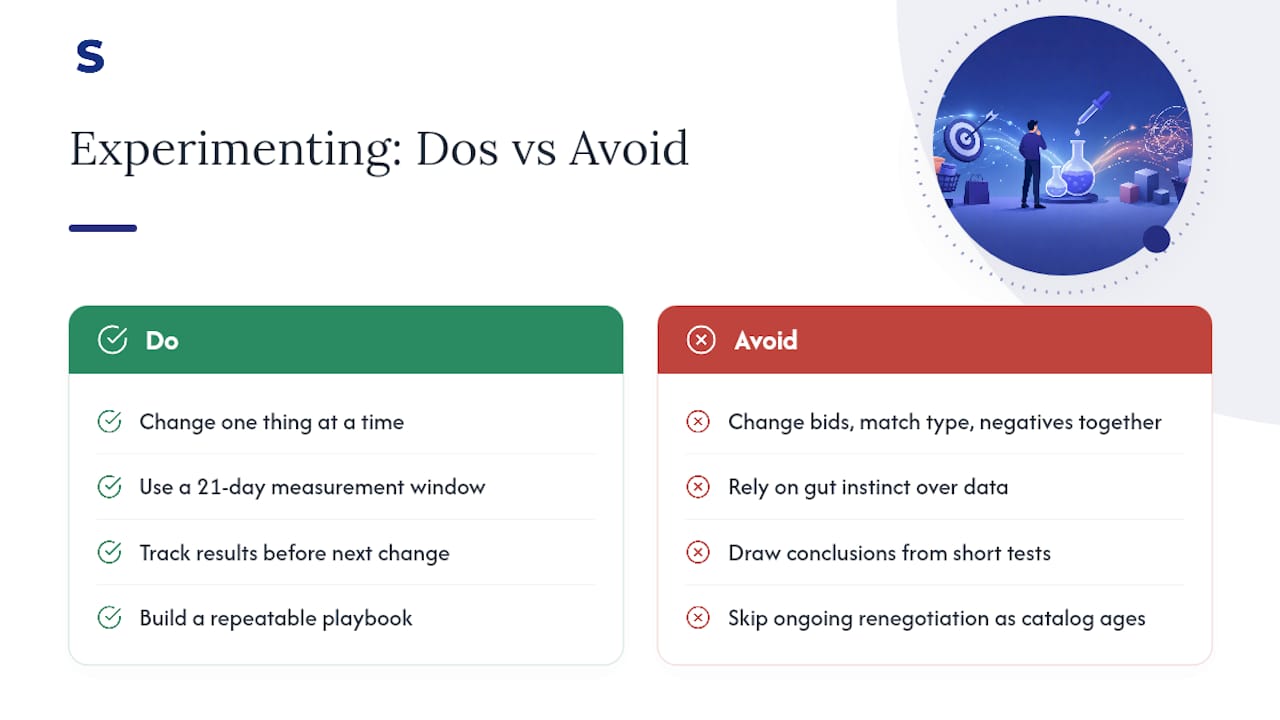
That’s the real case for a fixed measurement window. Twenty-one days of tracking one change at a time turns “I think that helped” into “here’s the number that proves it.” It’s slower than gut instinct, and it’s also the only way to build a repeatable playbook instead of a lucky guess.
Balancing discovery against performance budget isn’t a one-time setup either. It’s a constant renegotiation as your catalog ages and your converting keyword list grows.
— Selloop
Let Selloop Handle The Harvesting And The Waiting
Running the weekly harvest, tracking negative exacts, and holding a 21-day measurement window across dozens of keywords gets tedious fast, especially once you’re managing more than one account. An AI tool built around exactly that workflow can flag which search terms are ready to graduate to exact, suggest the negative keywords that should follow them, and track the impact of every change over a 21-day window automatically.
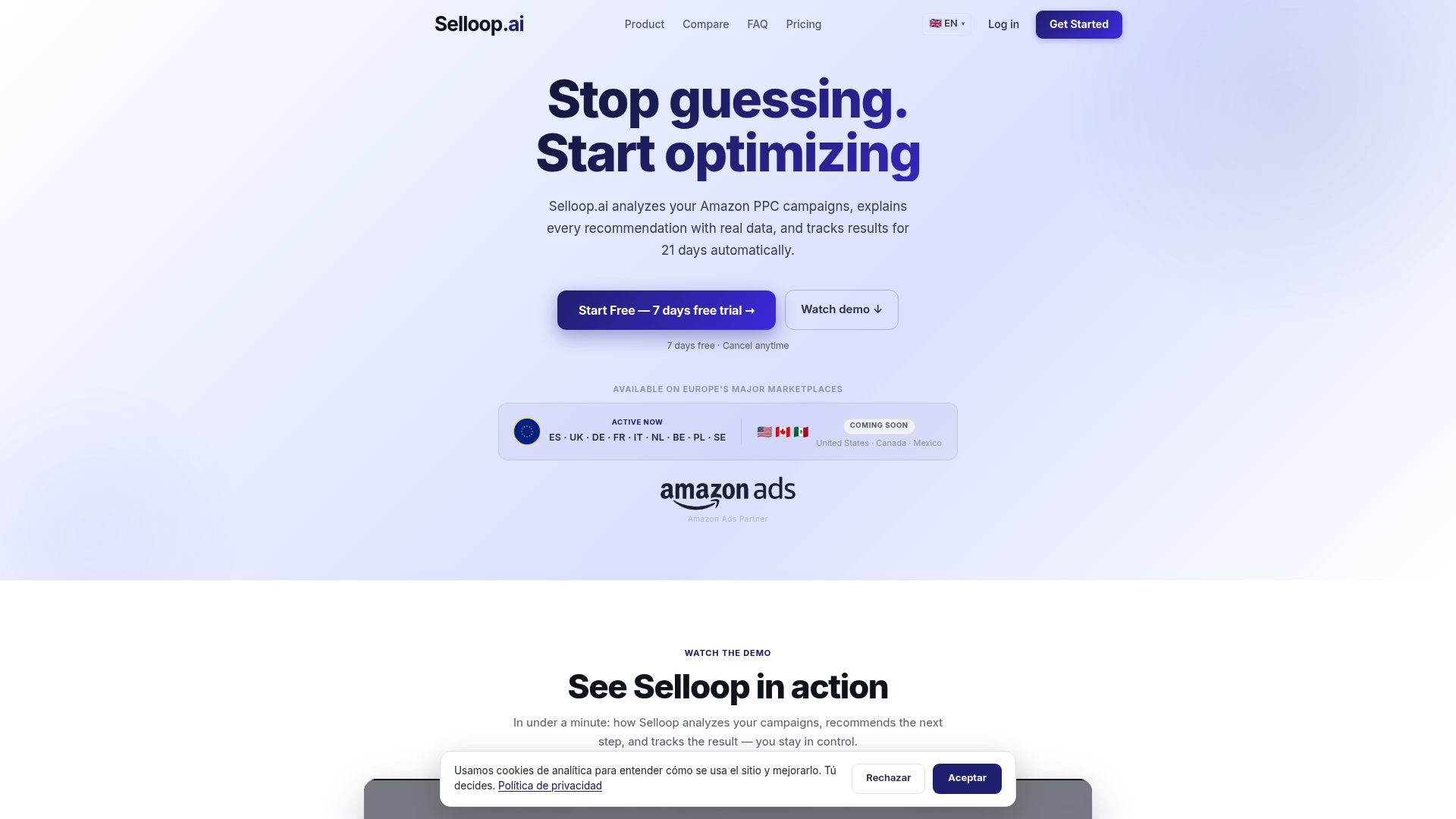
Instead of exporting search term reports every Monday and building your own spreadsheet to track what changed and when, The platform surfaces the high-spend, low-return campaigns that need attention and shows you the data behind each recommendation. For sellers and agencies juggling multiple accounts, that’s hours back every week and fewer keywords quietly bleeding budget in the wrong match type. Start with Selloop and see what your own search term data has been trying to tell you.
Where To Go For The Official Rules
For the platform’s own definitions and recommended bid structure, see Amazon Ads’ targeting guide and its match type documentation.